
Paperless-ngx
A Clutter-Free Life: Going Paperless with Paperless-ngx - article / HN / Home / github / local
# Troubleshoot
# Usage
Paperless converts your documents from regular PDFs to PDF/A which is a subset of the PDF standard. This subset is designed for long-term storage. - Over-engineering my document storage system with Paperless-ngx
if a PDF document already contains a layer of text (as it has been OCR’d) it will use that and not OCR the document. If your OCR tool isn’t the best it is better to set PAPERLESS_OCR_MODE=redo
# Consume && tagging
-
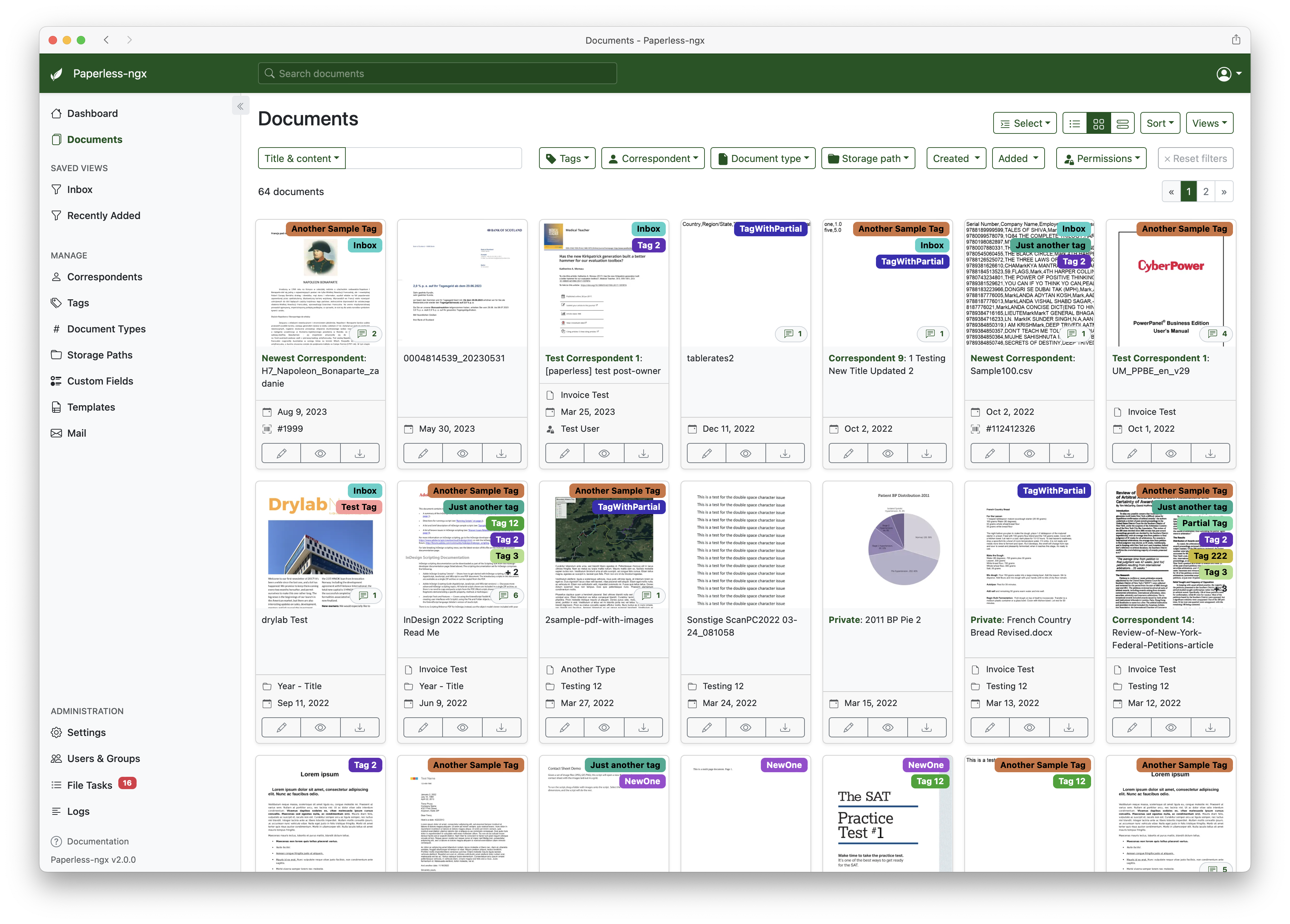
Create an inbox tag. This means that all newly consumed documents are assigned the inbox tag and you can then go through all the new documents and update their names, metadata, tags etc.
-
Create a Saved View which shows on your homepage of new documents so you have a little list.
# Storage Path
# Backup
Managing your own documents also means having to manage the backups of documents.
# Email sync - TBD
# Setup
Podman install derived from ppngx: Podman + Paperless-ngx.
$ podman play kube ./paperless.yaml
or
$ systemctl --user start paperless.service
# see also
- Paperless, paperless-ng, paperless-ngx … where are we going …? - paperless-ngx is the only version/fork of paperless that is currently developped.
- paperless-ngx/docker/compose
- podman/systemd setup
- “Go Green, Go Paperless” Messages Are Misleading The Facts About Greenwashing