
Gradle
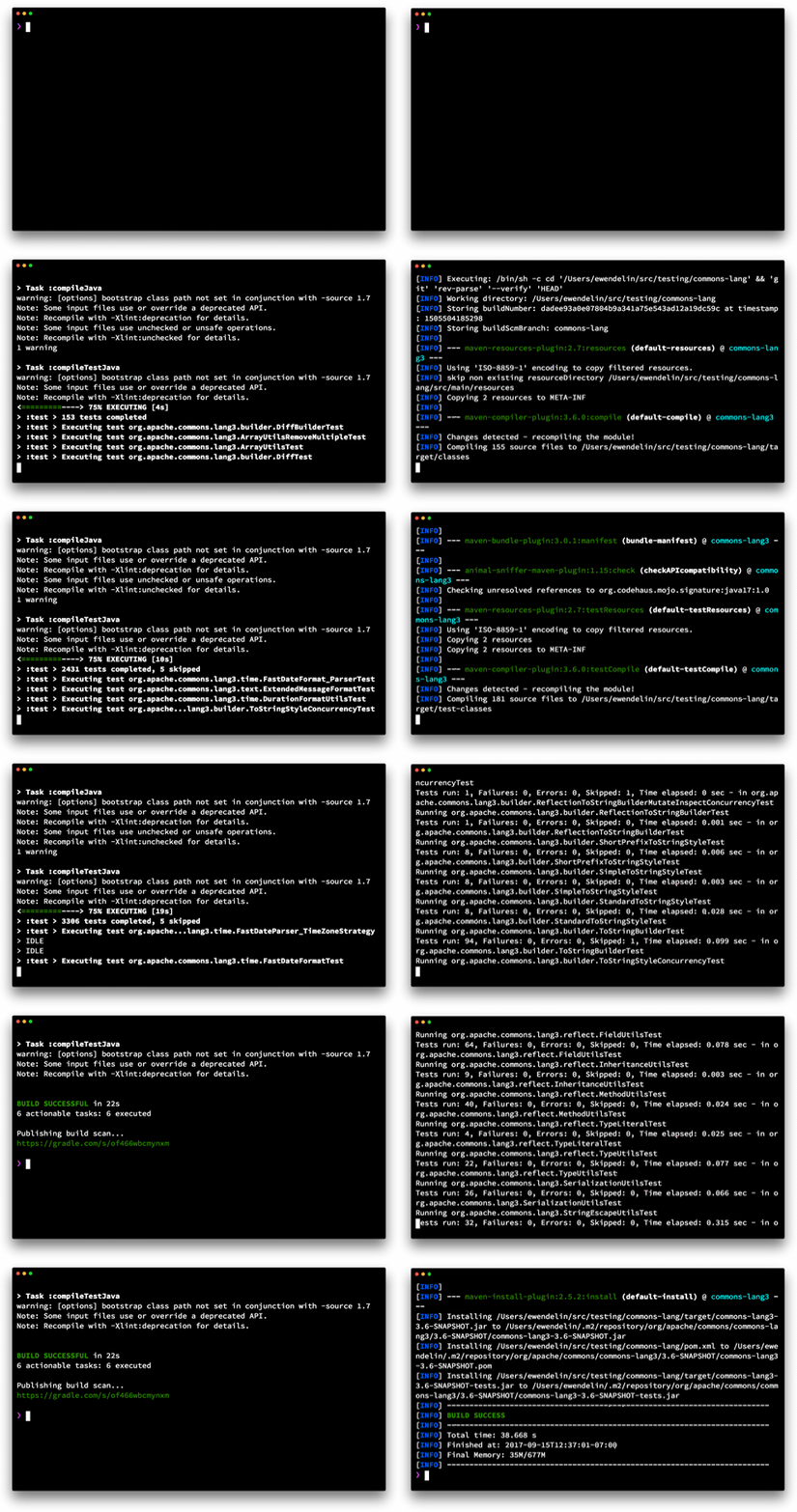
This GIF shows a side-by-side clean build of the Apache Commons Lang library using Maven and Gradle (without build cache). You can view the build scan for this build here. - Maven vs Gradle
# Gradle vs Maven / Groovy vs Java
To do anything you have to know everything - The Problem with Gradle
The correct response to discovering the nature of Gradle is to abandon it, immediately. (Similarly Waf, and Scons.) The world does not need yet another one-or-two-language-target build system, or another build system as full general scripting language. Things work better when you don’t need expertise. A build system should be just barely powerful enough to do builds, but not powerful enough to mystify. A build system should work equally well for all the languages you might find you need to use. A build system should not need to be studied to be understood: isolated examples should suffice for each need. - HN
# Migrating from Maven to Gradle
- Gradle does not support BOMs directly, but you can make use of them in your Gradle build files by applying the nebula-dependency-recommender-plugin.
# Common plugins
Maven and Gradle share a common approach of extending the build through plugins. Although the plugin systems are very different beneath the surface, they share many feature-based plugins, such as:
- Shade/Shadow
- Jetty
- Checkstyle
- JaCoCo
- AntRun (see further down)
# Plugins you don’t need
It’s worth remembering that Gradle builds are typically easier to extend and customize than Maven. In this context, that means you may not need a Gradle plugin to replace a Maven one. For example, the Maven Enforcer plugin allows you to control dependency versions and environmental factors, but these things can easily be configured in a normal Gradle build script.
# Gradle Build Language Reference
A build script is also a Groovy script, and so can contain those elements allowed in a Groovy script, such as method definitions and class definitions.