
Kubuntu 🧿
Combines the power of Ubuntu together with the elegant KDE Plasma desktop. - Home
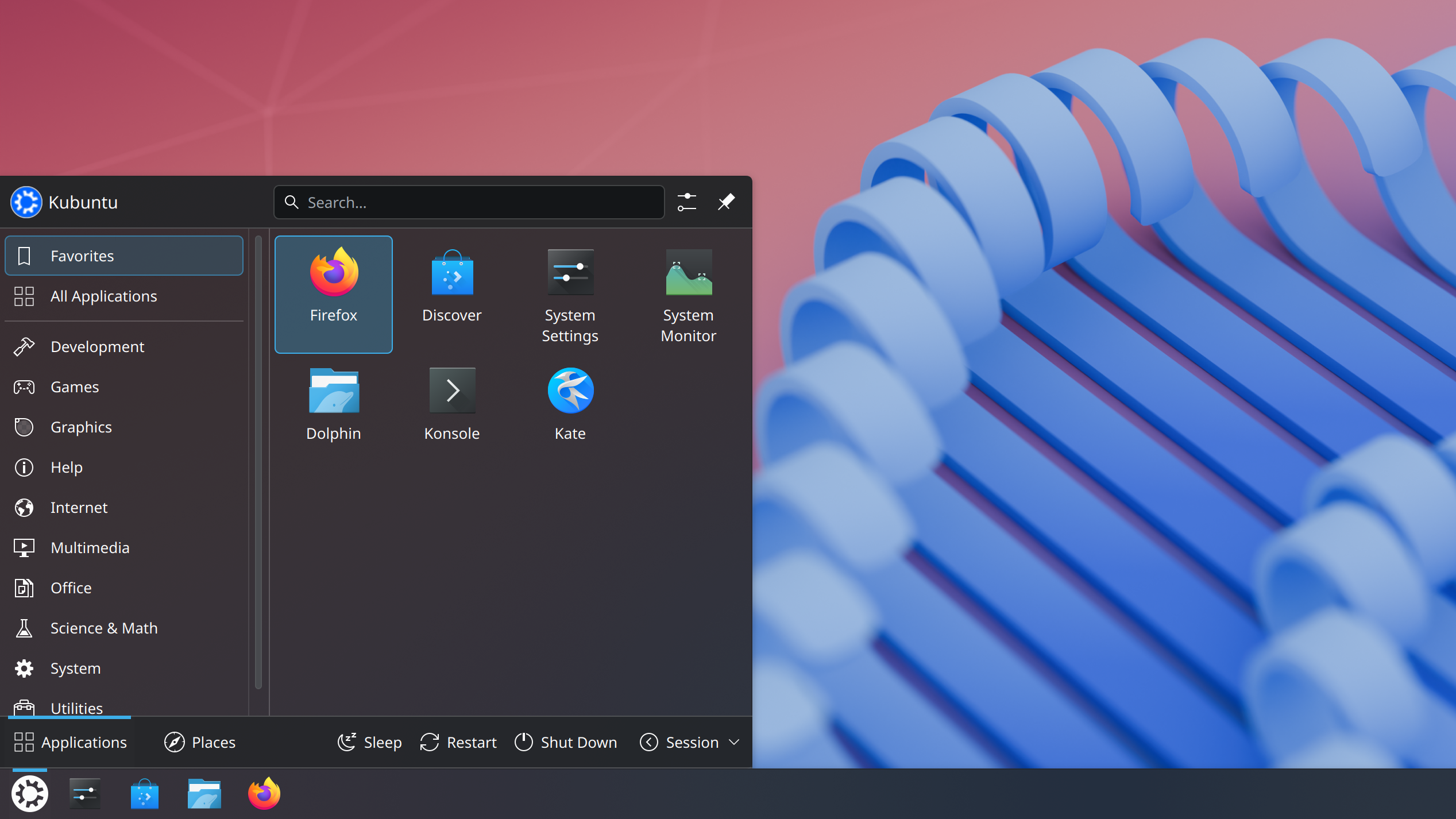
# Kubuntu 26.04 LTS - Plasma 6 ⮺
Building on the Ubuntu 26.04 LTS base released today by Canonical, Kubuntu 26.04 introduces Plasma 6.6 as the flagship desktop environment, alongside Qt 6.10.2, KDE Frameworks 6.24.0, and the latest KDE Gear 25.12.3 application suite. We’ve also upgraded to Linux kernel 7.0 for enhanced hardware support and performance. Whether you’re a developer, creator, or everyday user, this release emphasises Wayland maturity, modern security, and seamless integration with the open source world.
Planed to power GPD Pocket 3
# UI
# Virtual Desktop ⮺
# Dolphin ⮺
Dolphin is the default file Manager.
# KDE Connect ⮺
Is available from the start and can be use to share/control phone
# xed
Is not available and replaced by pluma - same code base
see Create xed alias for pluma
# Remote Desktop (RDP) ⮺ 🚧
Want to access your actual running desktop on Wayland?
→ Use KDE Remote Desktop (KRDP)
Want maximum compatibility / older setup / separate session?
→ Use xrdp
# Xrdp
Instll xrdp
$ sudo apt install xrdp
$ sudo adduser xrdp ssl-cert
Make sure a x11 session is configured Otherwise connection will established but failed when opening session
Install Remmmina (client)
$ sudo apt install remmina

# then connect through UI App
This should now work, except that no desktop session is started (only minimal with terminal) To Fix it=> explicitly force Plasma to start.
$ sudo apt install xrdp xorgxrdp dbus-x11 plasma-workspace kde-plasma-desktop
$ sudo apt install xserver-xorg-core

# we will fallback on xfce for this setup
$ sudo apt install xrdp xfce4 xfce4-goodies xauth
And override default session in ~/.xsession by
#!/bin/sh
export XAUTHORITY=$HOME/.Xauthority

/usr/bin/startxfce4 >> .xsession-errors
Now you can connect remotely
# On server => enable it once
$ sudo systemctl enable --now xrdp

# on Client
# usign watch because xrdp server take some time to be ready
$ watch xfreerdp /v:yves-pocket.home /u:yves /cert:ignore /size:1920x1080

# or using remmina
# Troubleshooting
Chatgpt doesn’t like using .xsession, but it’s better than messing up with /etc/xrdp/startwm.sh
Logs
$ cat /var/log/xrdp-sesman.log
$ cat .xsession-errors
script involved
$ cat ~/.xsession
$ cat /etc/xrdp/startwm.sh # redirect to .xsession
# Krdp
It works only from an other KDE desktop (eg not from Mint)
Install KDE’s Wayland RDP server
$ sudo apt install krdp

# logout
# This will provide => remote desktop in System settings
# make sure to **enable RDP server** in config
$ sudo apt install krdp
# logout
# This will provide => remote desktop in System settings
# make sure to **enable RDP server** in config