
digiKam (DAM)
Professional Photo Management with the Power of Open Source - An alternative to Picasa - Home / HN / Photography (SE)
# Notes
- digiKam Album correspond directly to Folder on filesystem
The biggest CON for digiKam is the delete function. If you delete a file from the app it is deleted from the drive.
If you delete a picture, it first goes to digikam’s trash .dtrash in same folder as where the photo was - r/homelab
# digiKam features
- tags & face tags
- quality sorter
- complement DarkTable
- digiKam 8.0 - Released with Qt 6 Port, Improved Support for JPEG-XL, WebP, and AVIF
# Workflow
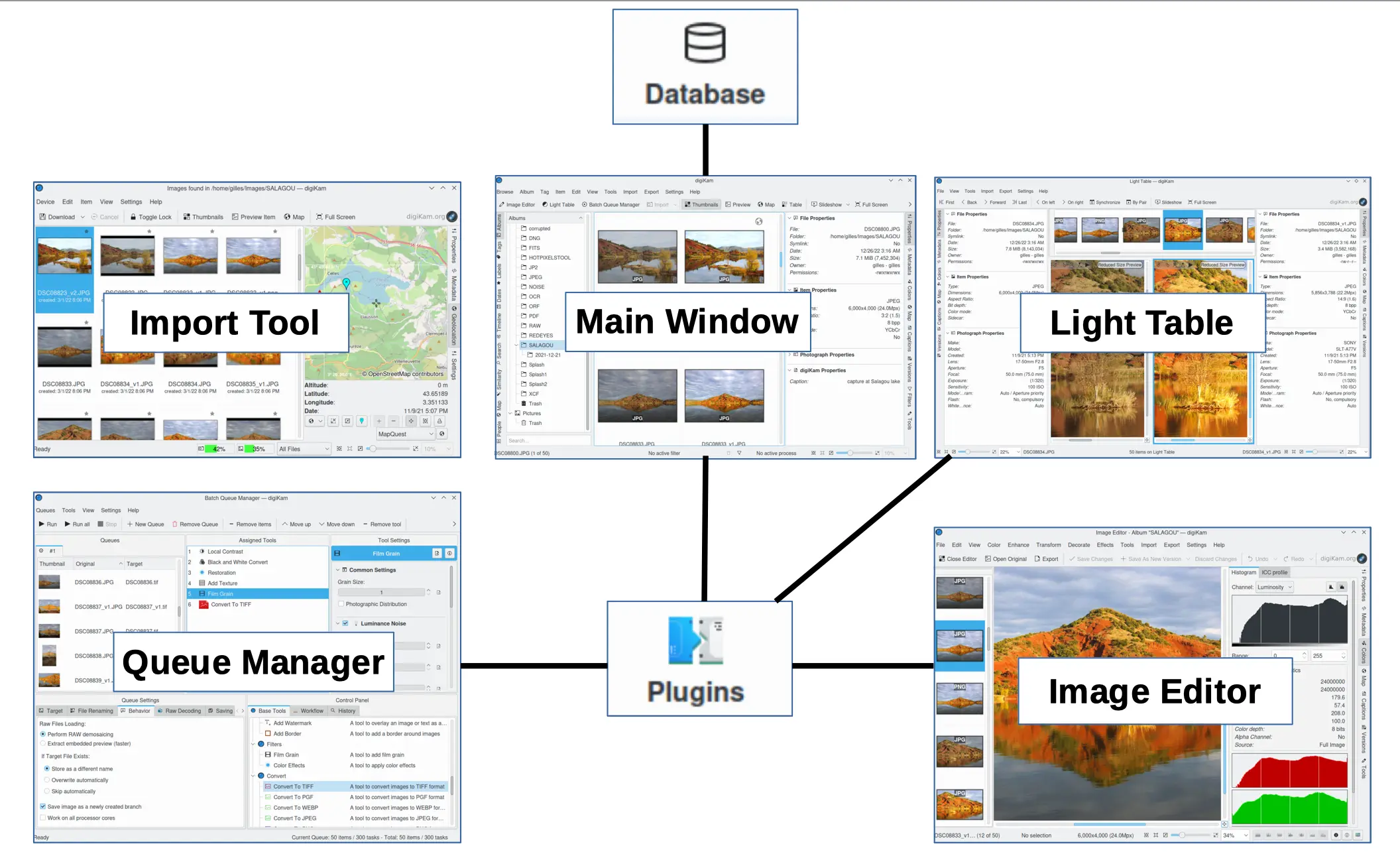
# Database
As of 8.x Digikam manages more than one database. For convenience, it is broadly categorized in three:
- Core database for all collection properties, i.e. it hosts all albums, images and searches data.
- Thumbnails database for compressed thumbnails i.e. to host image thumbs using wavelets compression images (PGF format).
- Similarity database to store image finger-prints for fuzzy search engine.
- Face database for storing face recognition metadata i.e. to host face histograms for faces recognition.
The path to the database are stored in ~/.config/digikamrc (look for “Database Name”).
see also
# How to use multiple photo libraries with DigiKam
Digikam does not offer that natively. To overcome that, the solution is to redirect the config to a different set of database corresponding to a different photo libraries.
This can be achieved in several way, the simplest being to redirect to a different config when launching digikam. Previous attempt were more complex because of lacking the knowledge of the --config option. They try to do the same by changing the content of ~/.config/digikamrc throught a script (see below), or in modern system by changing the filesystem view.
# Using –config
$ CONFIG=/yourconfigpath/separate_config
$ touch ${CONFIG}              # digikam require the config file to exist when using --config.
                               # integrating this simplify initial launch
$ digikam --config ${CONFIG}   # this start the setup from scratch
All other approch below are more complex.
# By Scripting
The digikamctl script create & switch .config/digikamrc file, associating db automatically
# By Filesystem boxxing - didn’t work
For ex using following rules
# ~/.config/boxxy/boxxy.yaml
rules:
- name: "redirect digikam DB"
  target: "~/.config/digikamrc"
  rewrite: "~/.config/digikamrc-lib1"
  mode: "file"
& Launching it with boxxy ~/app/digiKam-8.1.0-x86-64.appimage --appimage-extract-and-run
As rules can be passed directly on cli, the whole thing can become, it’s own script:
# ~/.config/boxxy/boxxy.yaml
#!/bin/bash
boxxy --rule '~/.config/digikamrc:~/.config/digikamrc-lib1:file' ~/app/digiKam-8.1.0-x86-64.appimage --appimage-extract-and-run
Which is less intrusive that the previous approach below, as well as allowing to launch at the same time 2 different instance of digiKam pointing to 2 different photo collections (which other approach does not support).
# Issue
- does not recognize image when filename is missing extension. Which kind disallow use on direct hashed object store.
# Internal
# Atlernatives
How I found my best Digital Asset Management (DAM) system - Digikam alternative (Reddit)
- Darktable - Non-destructive editing throughout the complete workflow, your original images are never modified.
- RawTherapee - Non-destructive, 32-bit (floating point) processing engine, modern demosaicing algorithms
- Shotwell
- Immich - an opensource alternative to google photo