
Helm 🎛️🎵
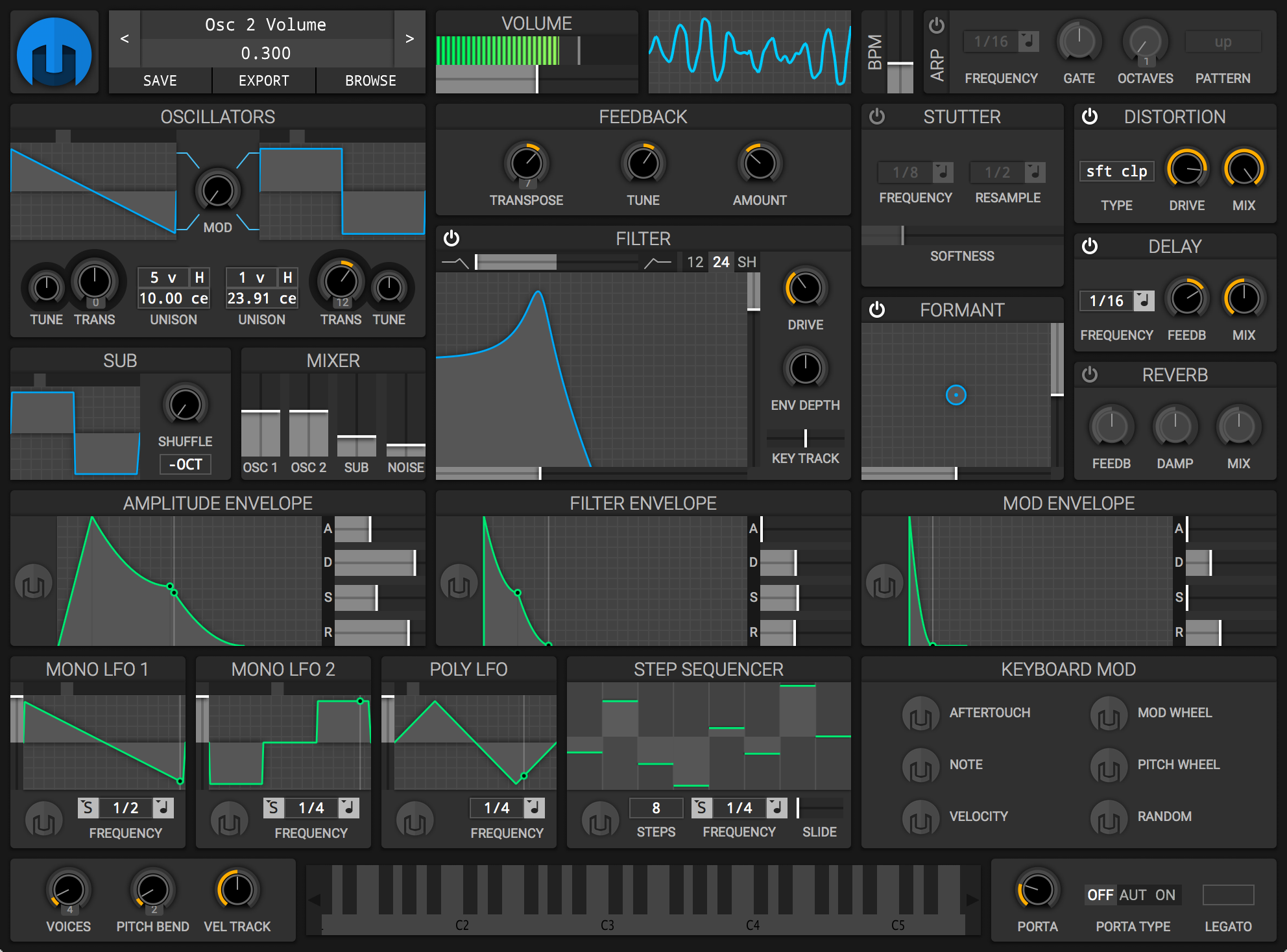
# Setup ⮺ 🎛️
Right-click a parameter you want to control and choose MIDI Learn. Then turn the keyboard controller eg knob on Akai MPK
Helm should associate that knob with the parameter.
If Helm receives the keyboard but not the knobs, don’t immediately assume the MPK is broken. The keyboard and knobs can be sending different MIDI messages/channels, and Helm may need the controller mapping learned explicitly.
# Install 📥
There is a dependancy issue with libasound2 when installing the package, because of a Debian/Ubuntu package-name transition. On modern (24.04+) systems:
- libasound2 → renamed to libasound2t64 (64-bit time_t transition)
- libgcc1 → renamed to libgcc-s1
So the actual runtime libraries your app needs are already present on the system — only the package names no longer match what the old .deb declares. dpkg refuses to install because it can’t find packages literally named libasound2 / libgcc1.
To fix it
Create tiny “dummy” packages that provide the old names, using the standard equivs tool:
- sudo apt install equivs
- Create a control file declaring a dummy libasound2 package (version 1.2.6 — meets the >= 1.0.16 requirement, matches the Jammy/noble ABI) and a dummy libgcc1 package (version 1:4.1.1).
- Build them with equivs-build → produces libasound2_1.2.6_all.deb and libgcc1_1.0_all.deb.
- Install the two dummy packages, then install helm_0.9.0_amd64_r.deb.
- The app links against the real libasound2.so/libgcc_s.so already shipped by libasound2t64/libgcc-s1, so it runs normally.
# Step 1: Install equivs
sudo apt update && sudo apt install -y equivs

# Step 2: Build the two dummy packages
cd /home/yves/helm-dummy
equivs-build libasound2.control
equivs-build libgcc1.control

# Step 3: Install the dummy packages (they won't overwrite any real files)
cd /home/yves/helm-dummy
sudo dpkg -i libasound2_1.2.6.1-1_all.deb libgcc1_4.1.1_all.deb
sudo dpkg -i /home/yves/Downloads/helm_0.9.0_amd64_r.deb

# Optional: Fix any missing dependencies for helm if needed
sudo apt install -f